SRM Institute of Science and Technology
Step 2: Choose a Template
Select a ready-to-use assignment cover page template for SRM Institute of Science and Technology — you can still switch templates inside the generator.
Or skip to the default SRM layout →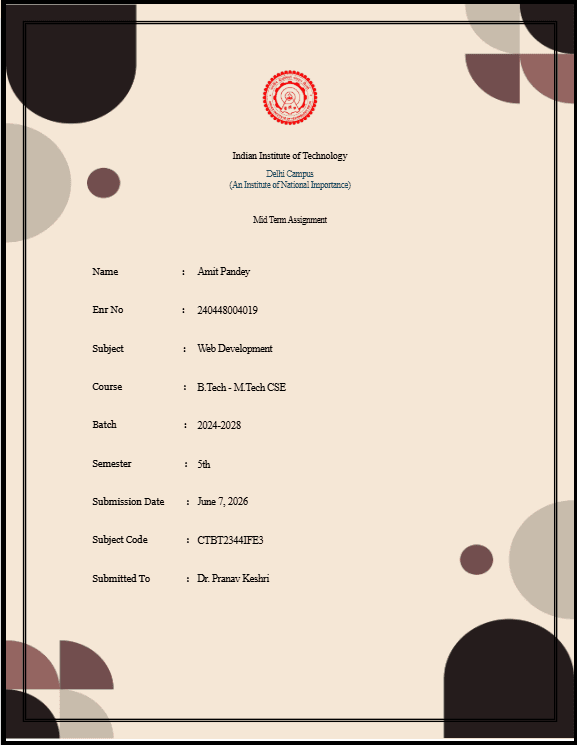
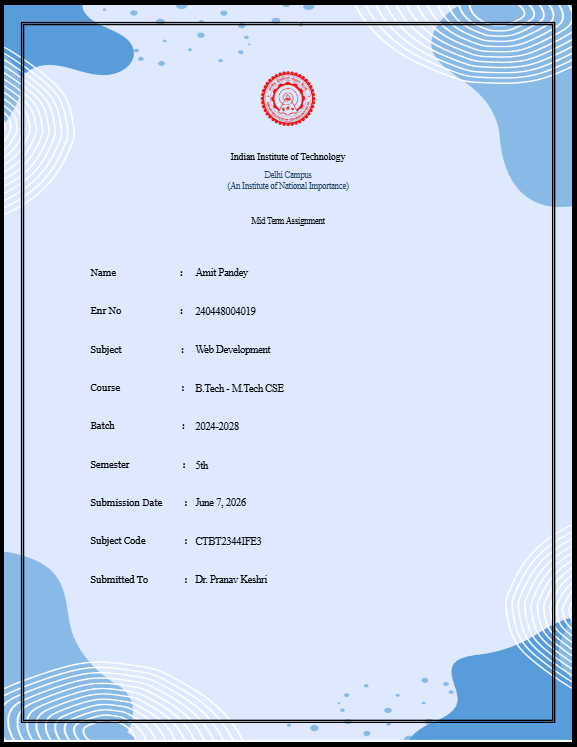
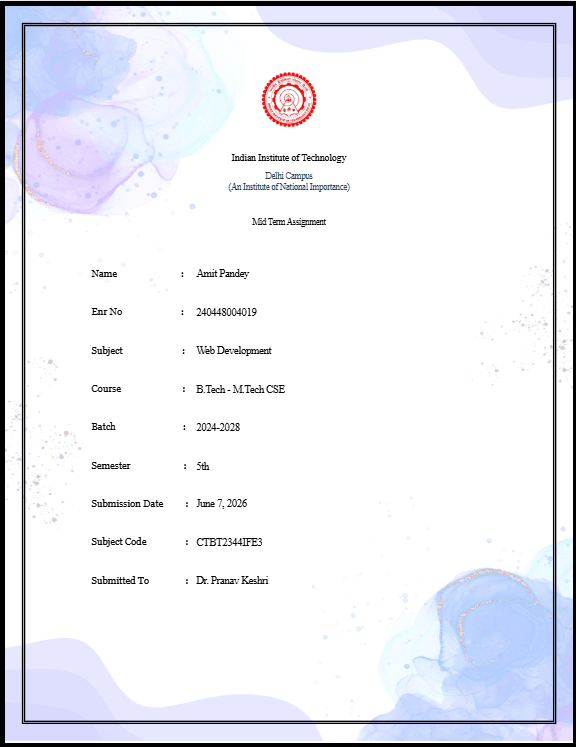
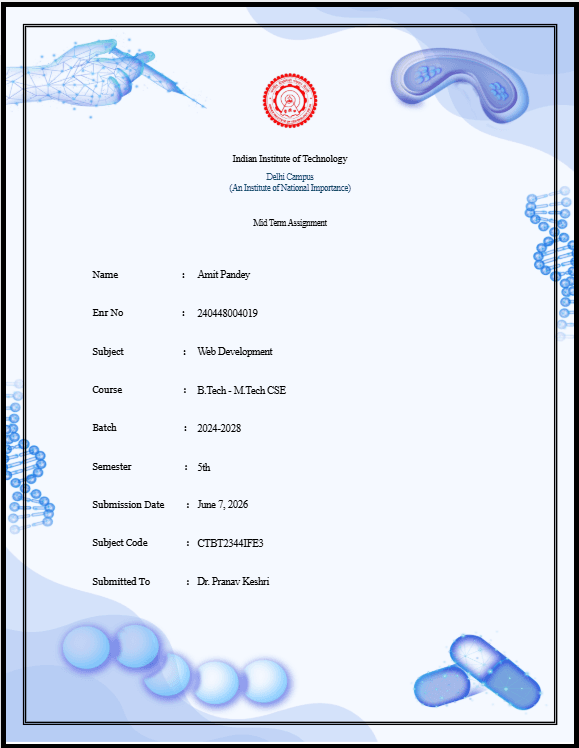
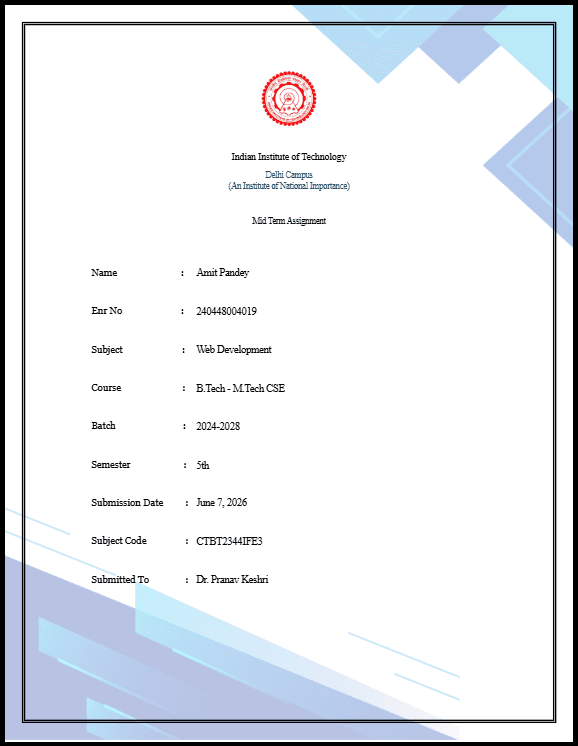
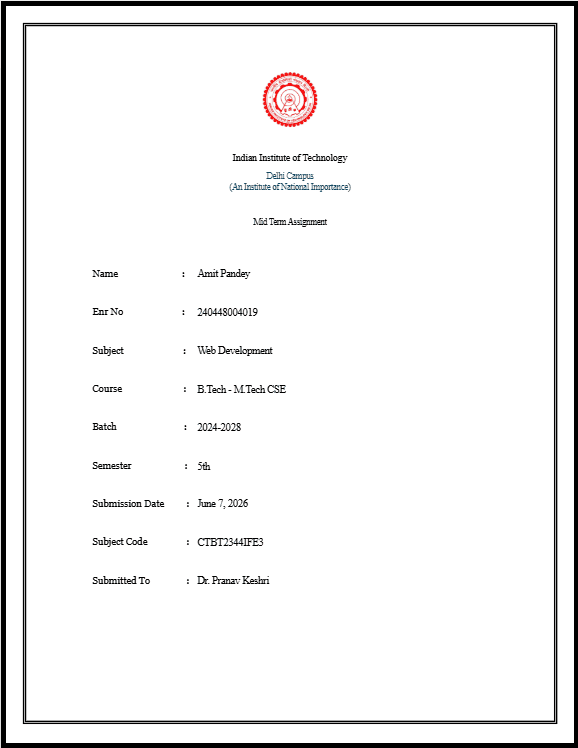
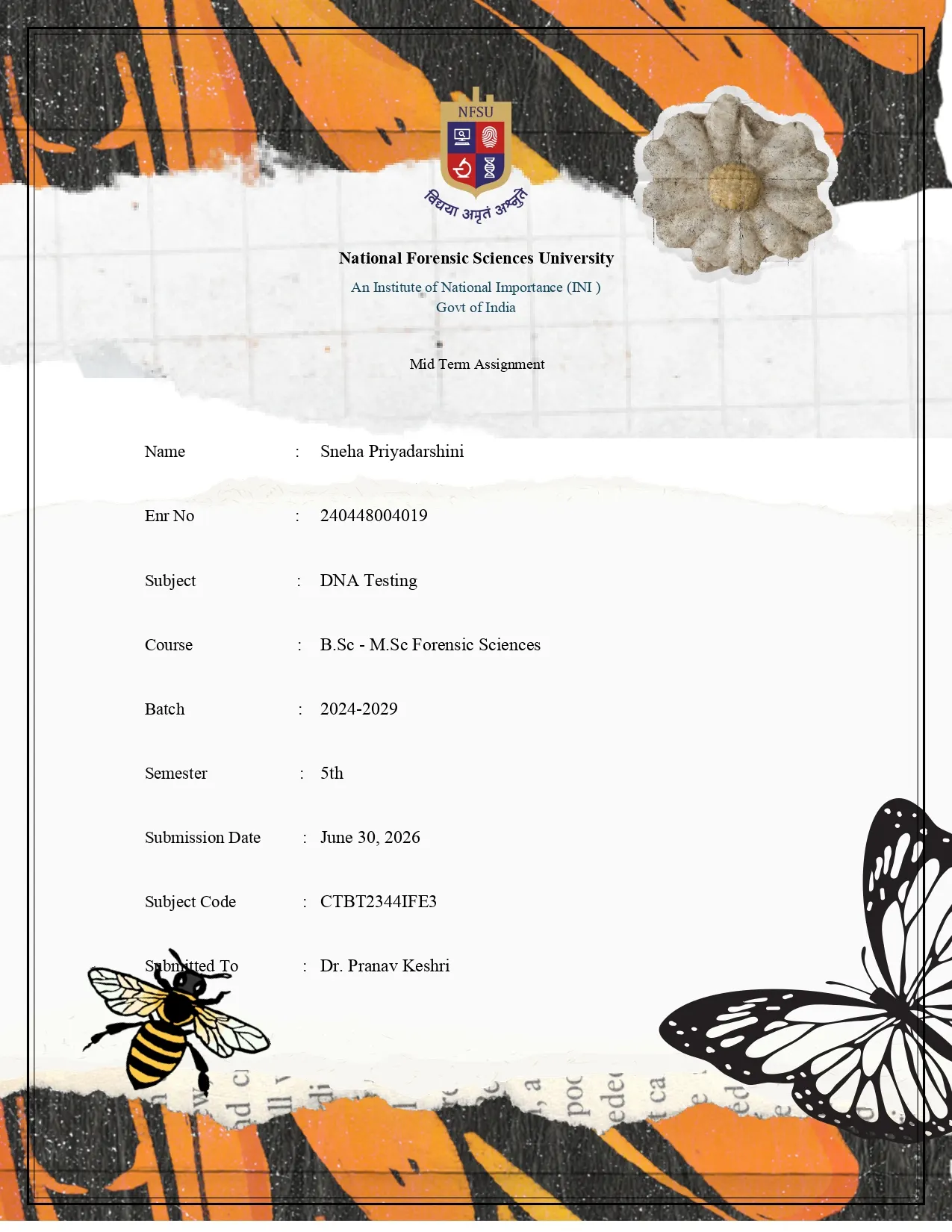
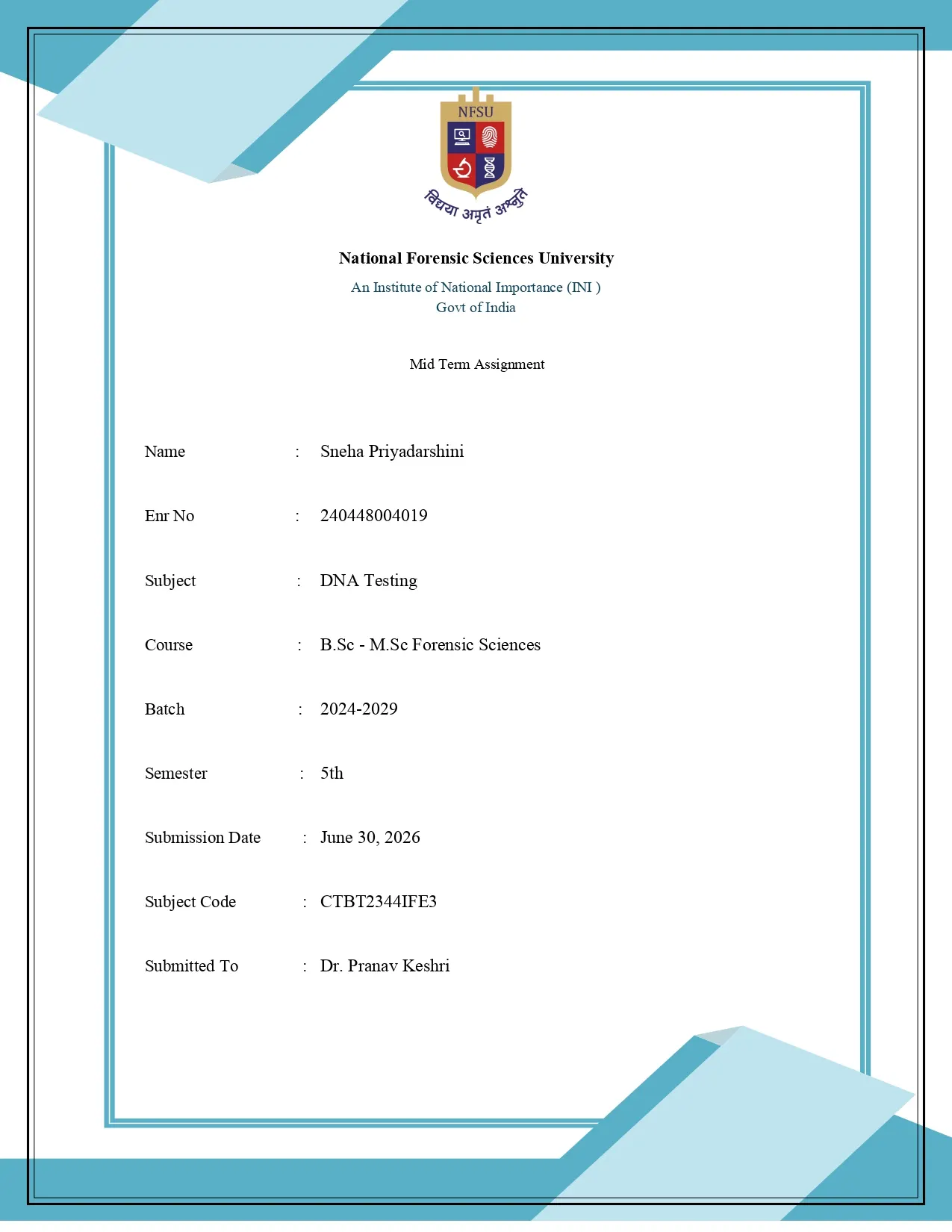
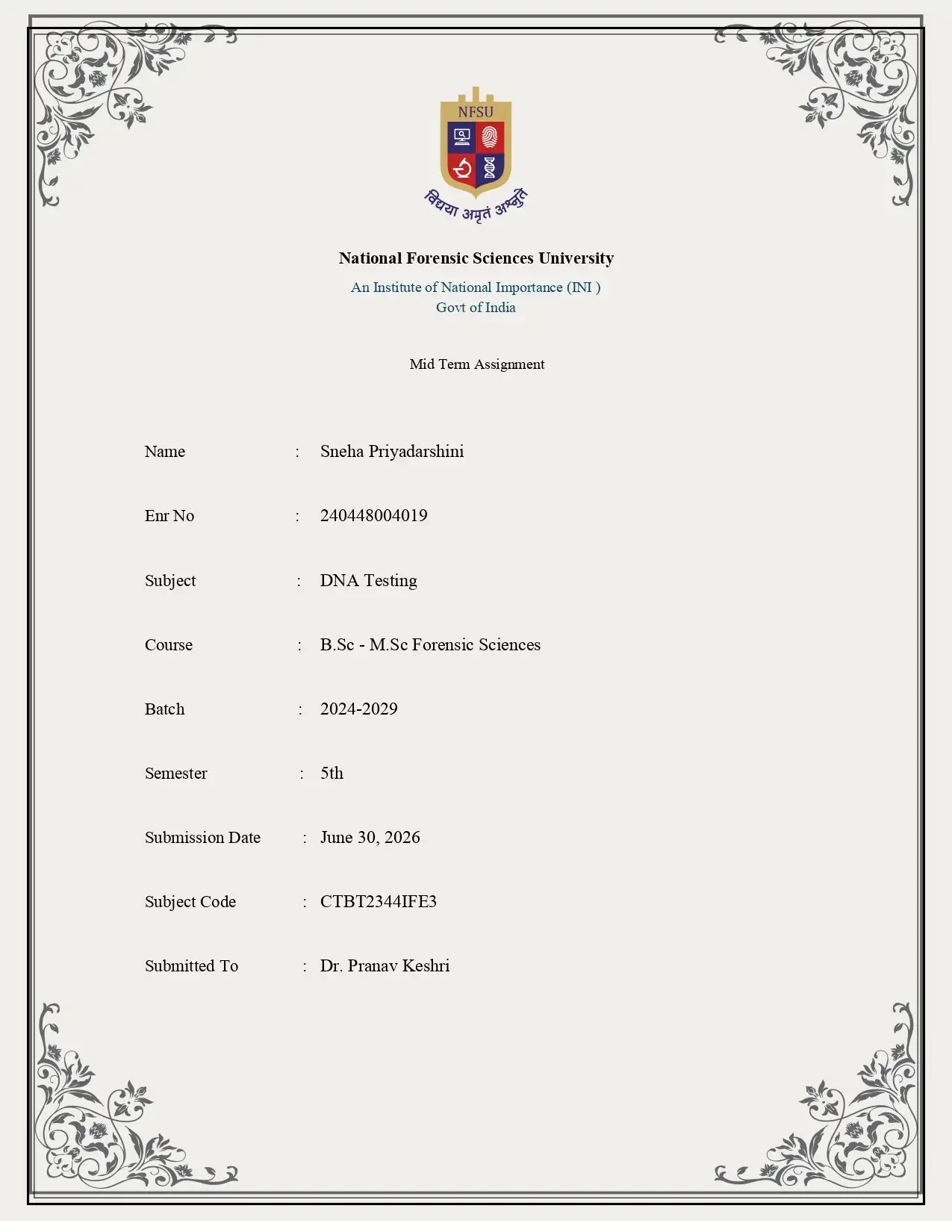
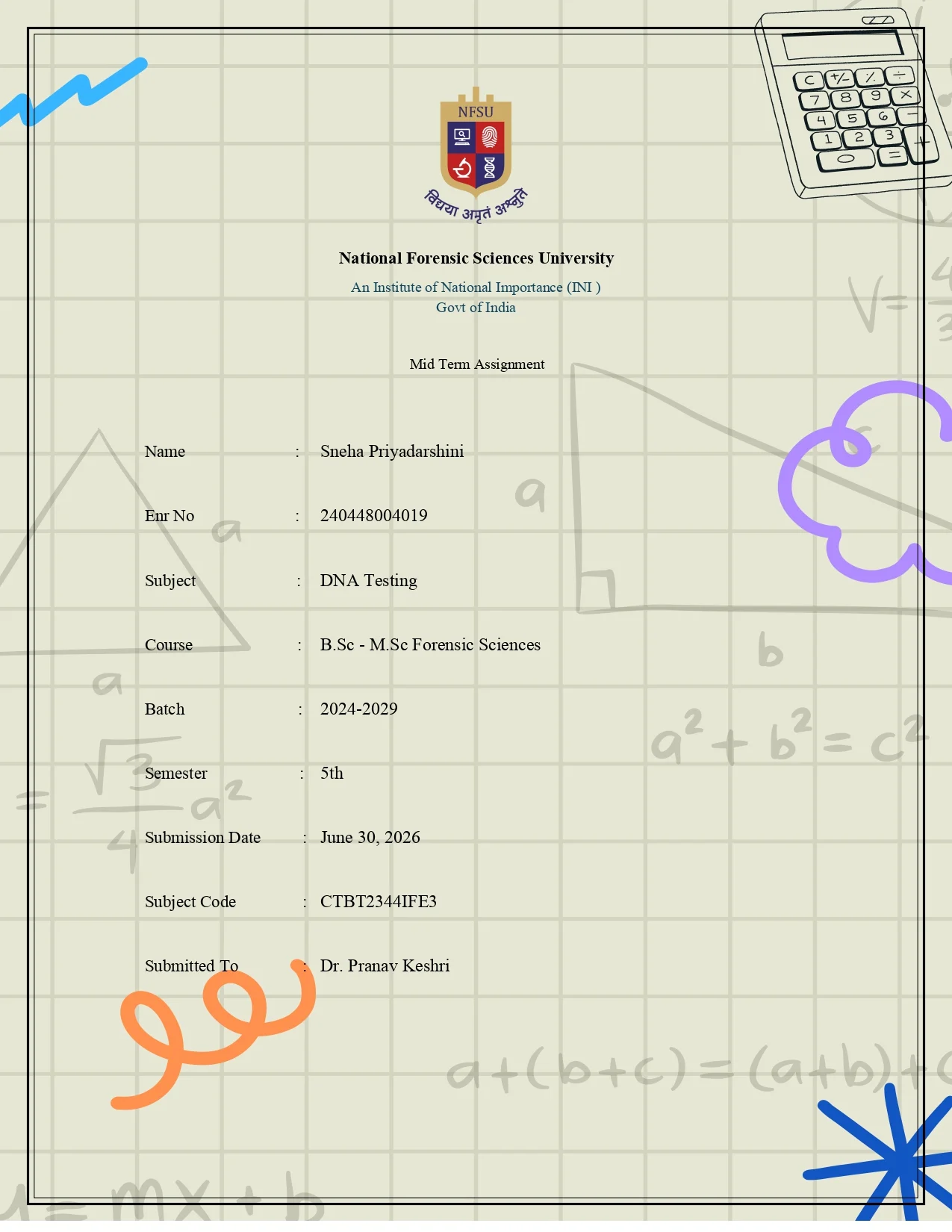
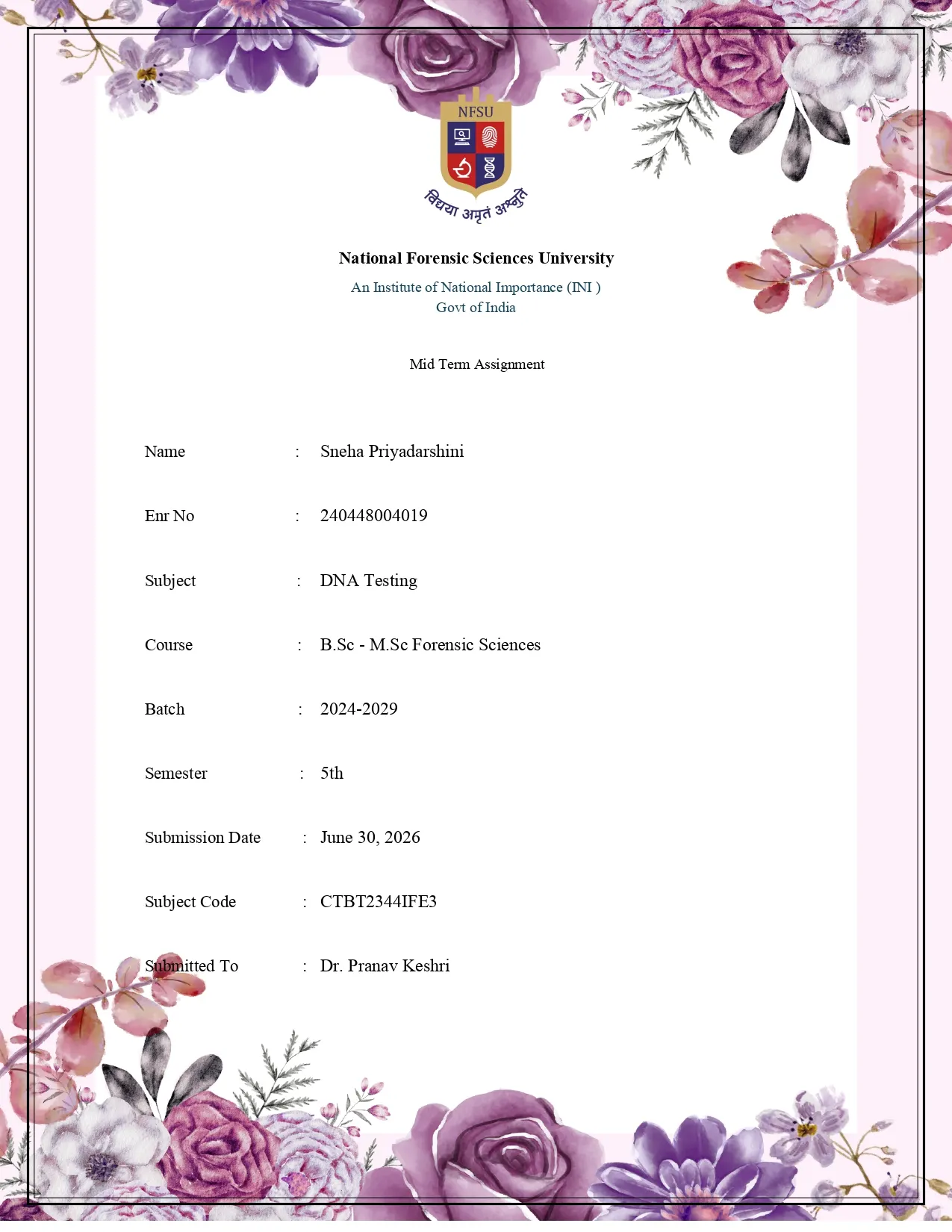
SRM Assignment Cover Page Generator
Create a professional assignment front page for SRM Institute of Science and Technology in about 30 seconds. Pick any template above and the generator opens with it pre-selected — just fill in your details, watch the live preview update and download a print-ready A4 PDF. Completely free, no watermark.
Every design works with the same set of fields, so you can compare templates without retyping anything. Your entries are saved as a draft in your browser while you experiment.
Why Use a Standardized SRM Cover Page?
- ✓
Professionalism: Presents your hard work in a neat, organized format that reflects your dedication.
- ✓
Accuracy: Ensures you never forget critical details like your roll number, subject code, or professor's name.
- ✓
Time-Saving: Instead of fighting with MS Word formatting every semester, generate a perfect PDF in seconds.
- ✓
Consistency: Maintain a uniform look across all your assignments for different subjects throughout your degree.
Tips for a Perfect Academic Submission
- ✓
Verify your details: Double-check your enrollment number and spelling before downloading — evaluators match covers to records.
- ✓
Use official names: Copy the exact subject name and code from your syllabus or timetable.
- ✓
Match the tone: Pick a formal template for technical subjects and reserve creative designs for project work.
- ✓
Print smart: The PDF is A4-sized, so it prints edge-accurate on standard assignment sheets.
Frequently Asked Questions
Choose a template above, fill in your name, roll number, subject and faculty details in the generator, check the live preview and download your SRM assignment front page as a print-ready PDF — all in under a minute.